Hook-lift trailer on a 32-channel module (Tramline Tec install)
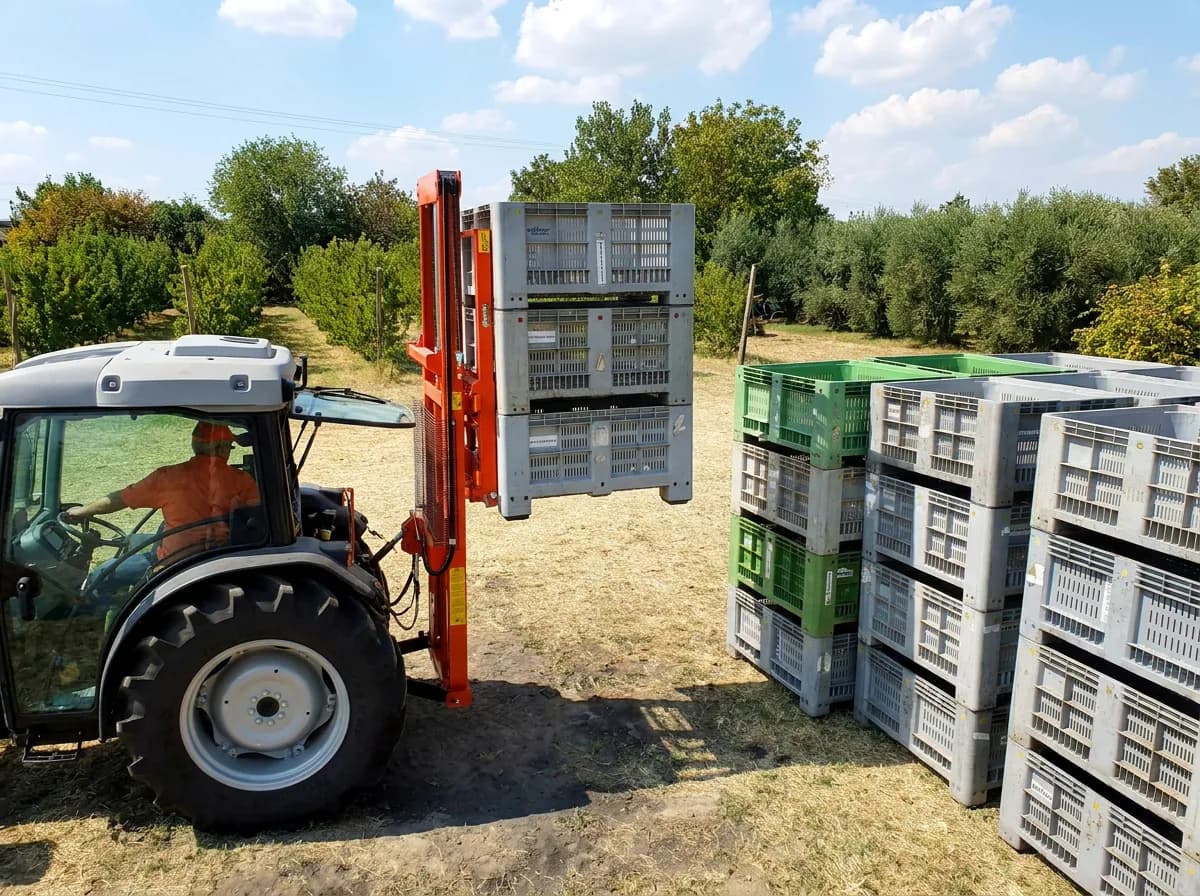
A hook-lift trailer carries a long list of solenoids: the hook arm, the container locks, the rear door, the lift axle, the lights, and whatever the body on it needs. One 32-channel module on the chassis covers all of them from the tractor screen and the joystick, with more than half the module still free.
- Outputs
- 13of 32 used
- Module
- 1×ISOBUS Block 32-channel
- Inputs
- Noneno sensors needed
- Control
- AUX-Nor from the tractor screen
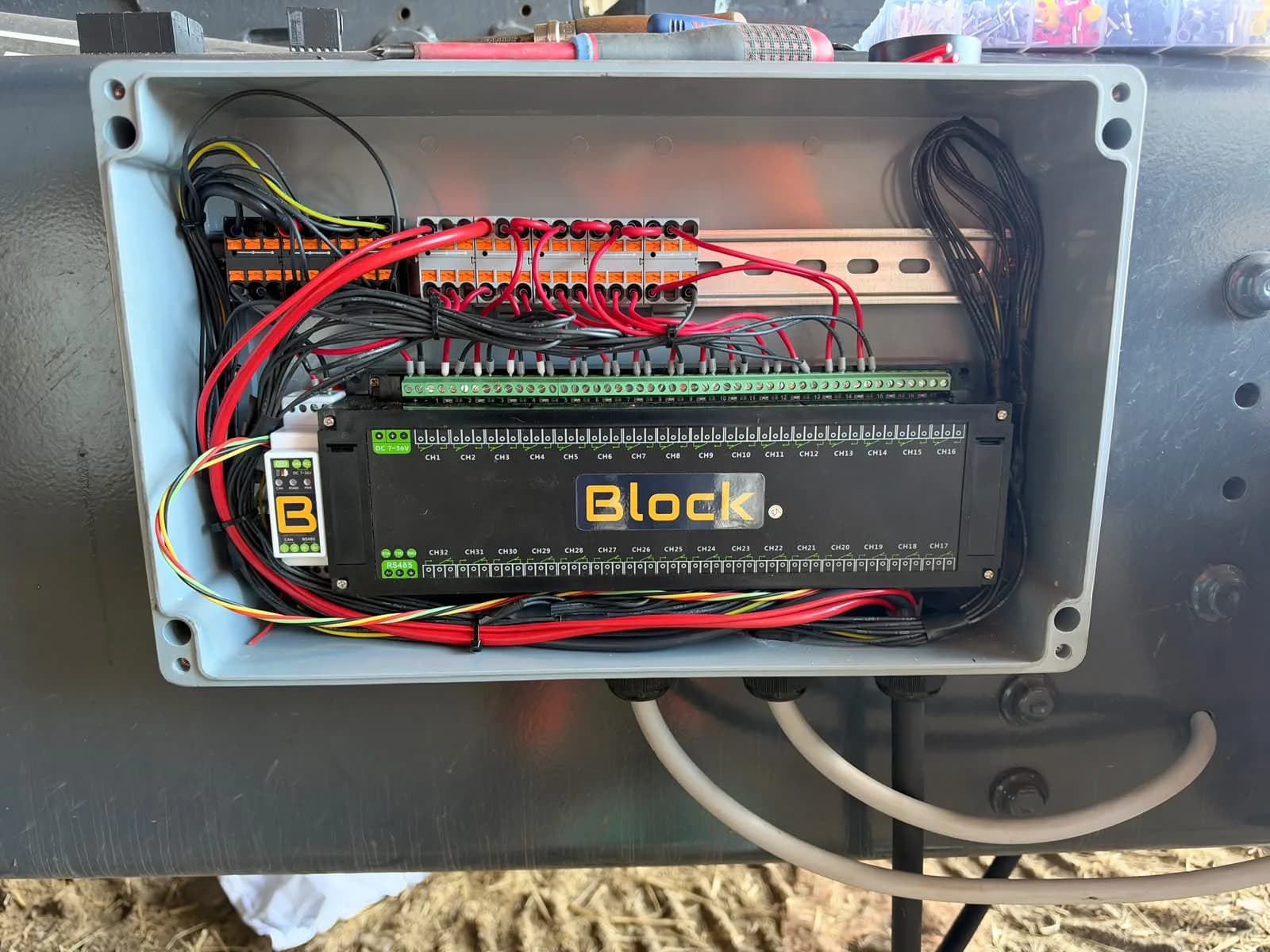
Tom at Tramline Tec, our dealer in the UK, built this install and cleared us to publish the photos. The valve bank was marked up section by section before a lead went on. The module sits in a grey enclosure on the trailer chassis, every output on push-in terminal blocks, supply jumpers in red along the top, load leads out through the glands in the bottom. Tidy work on a trailer that is outside all year. Thanks, Tom. If you have installed a Block on your own machine, we would like to show it here too. Get in touch.

Wire it
Every channel wires the same way. Battery positive taps the COM screws in use; each NO goes out to one load, and the load returns to chassis ground.
Thirteen outputs on the top row, CH14 to CH32 free. The white unit on the left is the CAN bridge that comes with the 32-channel module: the ISOBUS lead lands on it, and a short RS485 pair runs into the module. Hook arm, locks, door, underrun bar and drawbar run MOM, so the valve is open only while the button is held. The lift axle, work lights and beacon run TOG, so they stay where you put them.
| CH | Icon | Name | Function | Mode |
|---|---|---|---|---|
| CH1 | HOOK OUT | Hook arm out | MOM | |
| CH2 | HOOK IN | Hook arm in | MOM | |
| CH3 | LOCK OPN | Container lock open | MOM | |
| CH4 | LOCK CLS | Container lock close | MOM | |
| CH5 | DOOR OP | Door open | MOM | |
| CH6 | DOOR CL | Door close | MOM | |
| CH7 | AXLE + | Lift axle up | TOG | |
| CH8 | LIGHT | Work lights | TOG | |
| CH9 | BEACON | Beacon | TOG | |
| CH10 | BAR + | Underrun bar up | MOM | |
| CH11 | BAR - | Underrun bar down | MOM | |
| CH12 | DRAWB + | Sprung drawbar raise | MOM | |
| CH13 | DRAWB - | Sprung drawbar lower | MOM |


Name it
One button on the terminal is a name, an icon, the outputs it switches, and MOM or TOG. That is all there is to set up. No laptop, no software.


Drawing of the ISOBUS UT screen, not a screenshot.
The button editor as it appears on the tractor screen. Names are capped at 8 characters.
Drive it
The finished dashboard. Press the buttons here on the screen, or assign the same functions to armrest or joystick buttons through the tractor's AUX-N menu. Both work side by side.


Drawing of the ISOBUS UT screen, not a screenshot.
CH14–CH32 are not used on this machine, so they keep the terminal's default names. Drawn from the channel map above, not a photograph of an installation.
From the install itself
Photos from Tramline Tec, who built this for a customer.
The valve bank. Every coil connector is marked by hand with its section and side before a lead goes on, so the channel map is readable on the valves themselves.
Module and CAN bridge on the rail, the first leads in through the glands.
Terminal blocks fitted, supply jumpers going in. Red to every COM in use, black from each NO down to its valve.
Wired, on the chassis. One lead per channel out to the valve bank, and the ISOBUS lead in, all through the glands in the bottom.
Variations
The same machine, wired differently.
The same trailer on an 8-channel module
Hook arm, container locks and rear door are the three functions a hook-lift cannot do without. Two solenoids each, six outputs, and the work lights and beacon take the last two. Underrun bar and drawbar stay on their manual valves.
8 outputs · 1× 8-channelTwo 8-channel modules instead of one 32
Split the same thirteen functions across two 8-channel modules: hydraulics on the first, lift axle, lights, underrun bar and drawbar on the second. Each module is its own ISOBUS device with its own page on the terminal.
13 outputs · 2× 8-channelA main valve that opens with every function
Many hook-lift valve blocks have a main or dump solenoid that must be energised before any section moves. Wire it to CH14 and tick CH14 as a second output on every hydraulic button, so one press opens the main valve and the section together.
14 outputs · 1× 32-channelWhat you need
- Ships with its CAN bridge, the white unit in the drawing
- 1×External Connector Kit€75Contacts ship loose, you crimp them onto the ISOBUS lead
- 1×Weatherproof enclosureyour own. The bare module is IP20, so it needs a box on a trailer chassis
- Push-in terminal blocks on a DIN railyour own. One row for the supply jumpers, one for the loads, as in the photos
- Two-core cable to each solenoidyour own
Now do yours
Same module, same three steps. What you wire to the channels is up to you.
Questions
Will this work on my tractor?
Any ISOBUS tractor with a Virtual Terminal, whatever the make. The in-cab ISOBUS connector is the same on every brand, so there is nothing to match to yours.
Do I need a weatherproof enclosure?
Outdoors, yes. The bare module is IP20, which means in-cab or panel mounting only, so on an implement it goes in a weatherproof box you supply yourself.
Can I change the button names and icons myself?
Yes, from the tractor screen. A button takes a name of up to 8 characters and an icon from the module's set, and both show up in the tractor's AUX-N assignment menu as well. The WiFi interface is for diagnostics, testing outputs and firmware, not for setup.
What if the machine needs more than 8 outputs?
There is a 32-channel module: one unit with 32 relay channels, everything else the same. It has no digital inputs, so a machine that also needs sensors takes a second 8-channel module instead.