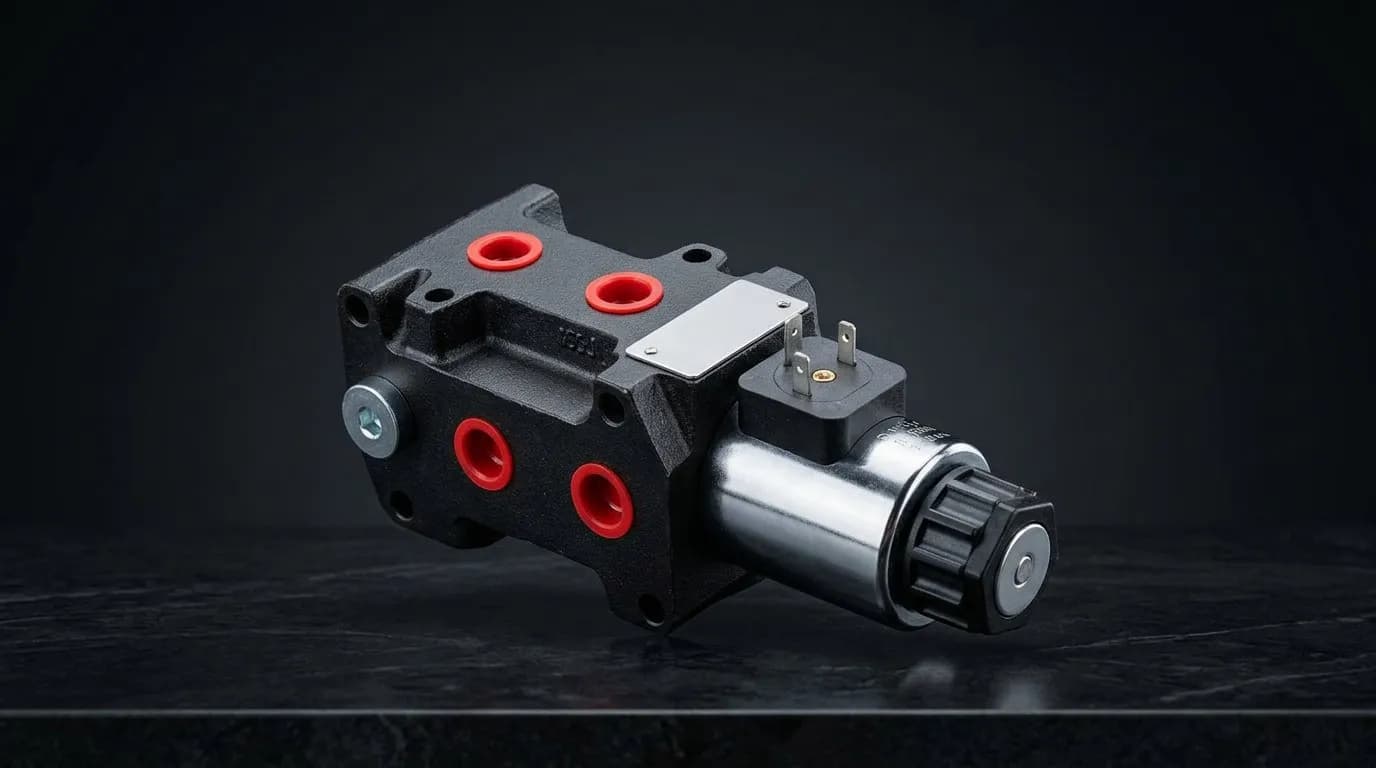
Some implements have multiple solenoid-controlled functions that need to be operated individually or in synchronized groups. ISOBUS Block covers both: each channel runs in TOG or MOM mode, and one button can switch several channels at once.
Example Applications
This setup works for any implement with multiple solenoids:
- Segmented snow plows with adjustable wing sections
- Sprayer boom sections with individual on/off control
- Seed drill sections for selective row control
- Custom hydraulic implements with multiple valve sections
- Work lights and accessories grouped with main functions
The Concept
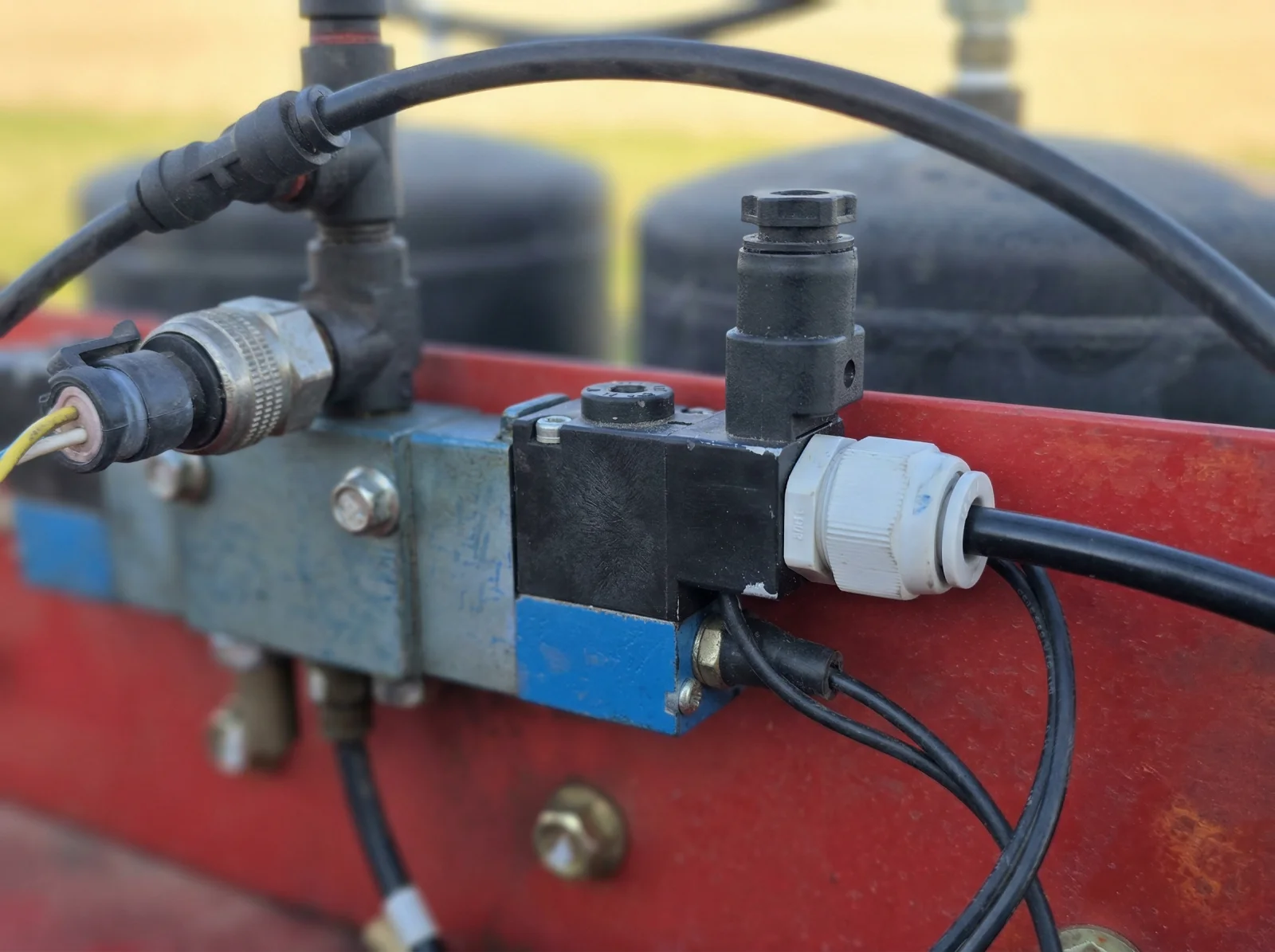
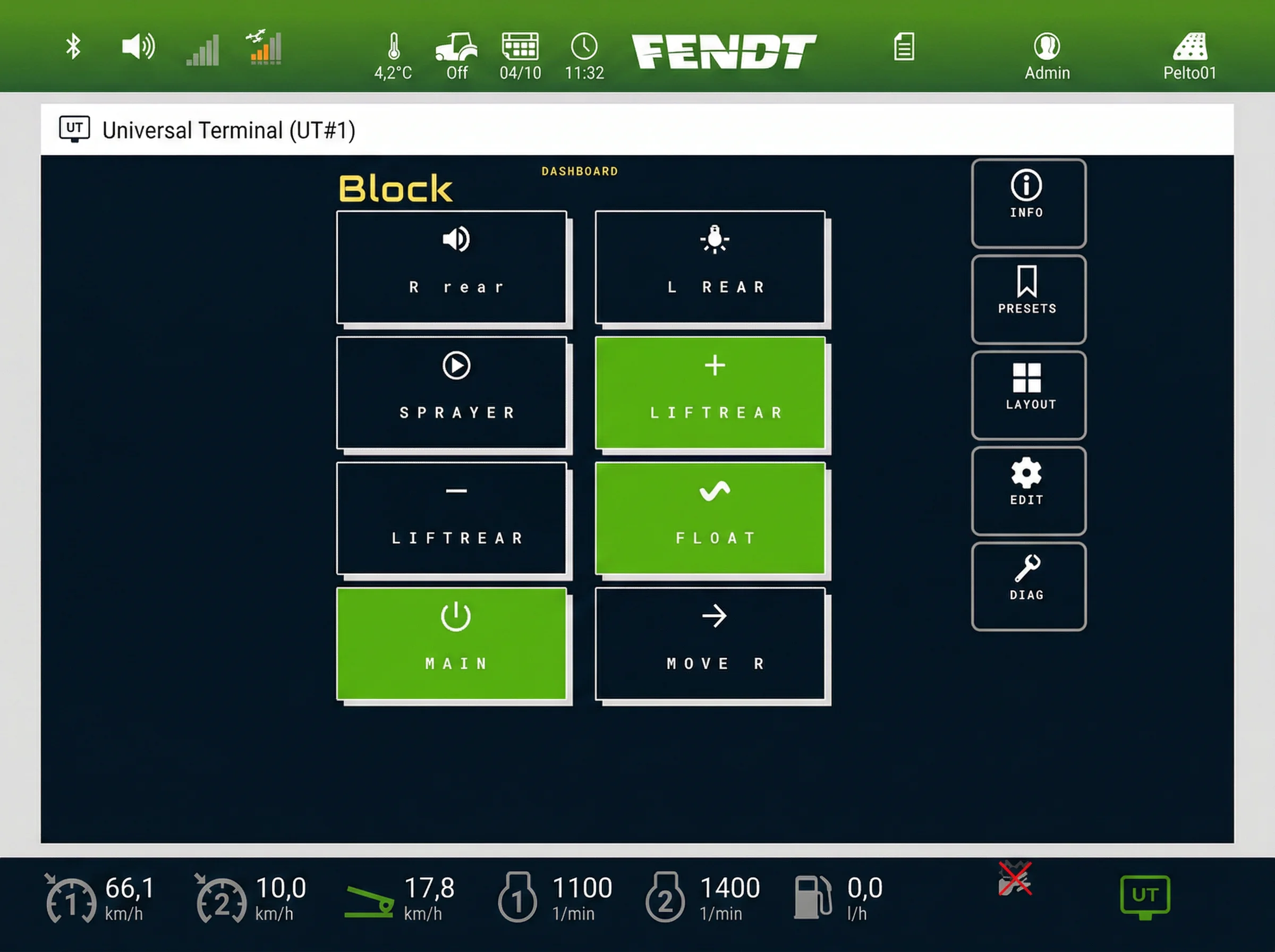
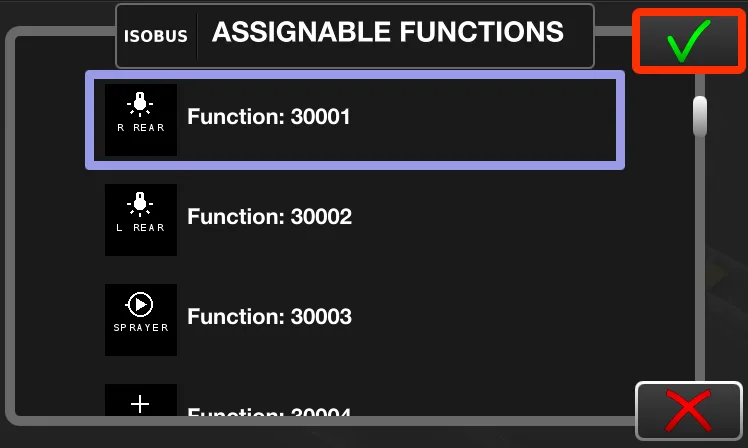
Connect each solenoid to an ISOBUS Block channel. Then set up the VT buttons to switch them individually, or assign several channels to one button so a single press switches them together.
Configuration Example
Here's a sample setup for an implement with 4 solenoid-controlled sections plus work lights:
Channel to Solenoid Mapping:
| Channel | Controls |
|---|---|
| CH 1 | Section 1 solenoid |
| CH 2 | Section 2 solenoid |
| CH 3 | Section 3 solenoid |
| CH 4 | Section 4 solenoid |
| CH 5 | Work lights |
| CH 6-8 | Available for more functions |
Button Groupings:
| Button | Switches | Result | Mode |
|---|---|---|---|
| Button 1 | CH 1 | Section 1 only | MOM |
| Button 2 | CH 2 | Section 2 only | MOM |
| Button 3 | CH 3 | Section 3 only | MOM |
| Button 4 | CH 4 | Section 4 only | MOM |
| Button 5 | CH 1 + CH 2 | Sections 1 and 2 together | MOM |
| Button 6 | CH 3 + CH 4 | Sections 3 and 4 together | MOM |
| Button 7 | CH 1 + CH 2 + CH 3 + CH 4 | All sections together | MOM |
| Button 8 | CH 5 | Work lights | TOG |
Grouped Channels
By assigning several channels to one button, a single press switches multiple solenoids at once.
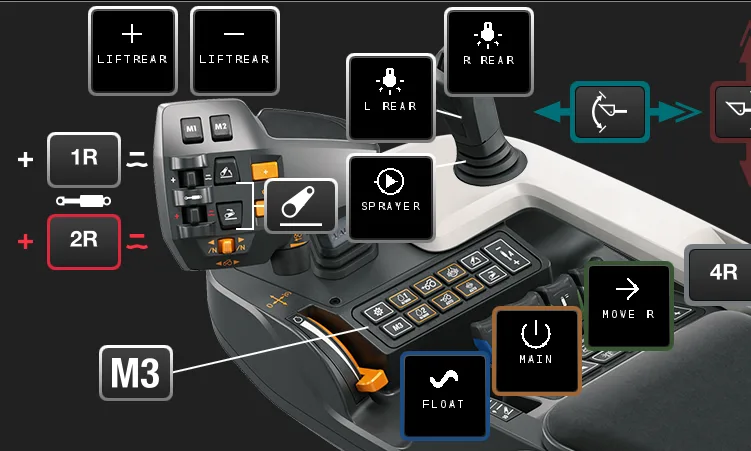
Why grouping matters:
Without grouping, you press 4 buttons to activate 4 solenoids. With grouping, one button does it all. You can create any combination:
- Pairs (sections 1+2, sections 3+4)
- All at once
- Custom groups based on your workflow
MOM vs TOG
Choose the right mode for each function:
MOM (Momentary):
- Active only while button is held
- Release button and output turns off
- Use for functions that need precise control
TOG (Toggle):
- Press once to turn on, press again to turn off
- Output stays in its state until you press again
- Use for work lights, beacons, or functions that should stay on
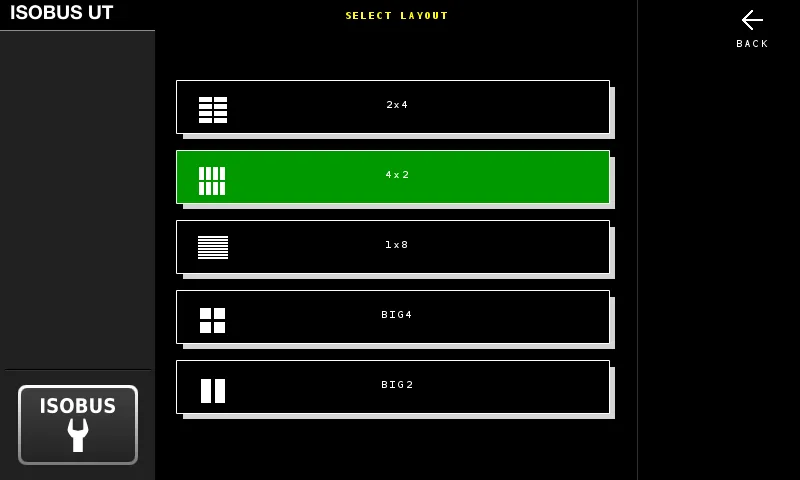
Each channel can be configured independently. Mix momentary and toggle modes based on what each function needs.
Benefits
- Grouped control activates multiple solenoids with one button
- Individual control when you need precision
- MOM or TOG mode for each function
- 8 channels for solenoids and accessories
- AUX-N button control or directly from the tractor screen
- Configure from the screen — no software needed
What You'll Need
- ISOBUS Block — 8-channel relay module
- Implement with solenoid-controlled functions
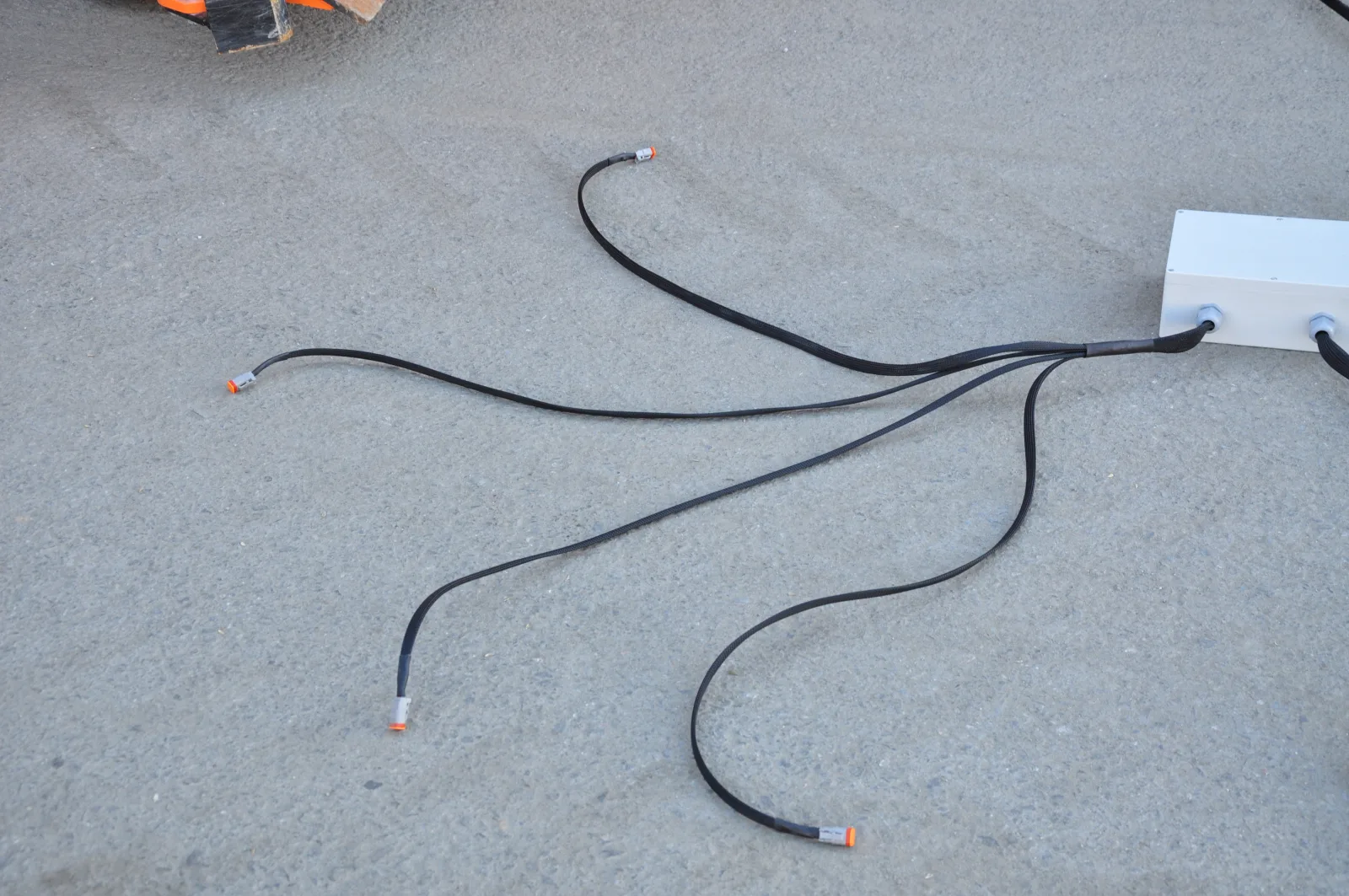
- Wiring from the module's relay terminals to the solenoids (12V or 24V)
For implements where the module rides on the frame — in weather — mount it inside an IP65 enclosure. The module's own housing is IP20, rated for a cab or a panel, not for the outside of a sprayer. With the module on the implement, the connector you want is the External Connector Kit (€75): the standard ISO 11783-2 ISOBUS plug for the tractor's external socket, sealed to IP67 when mated, with its contacts. They ship loose and you crimp them onto your own wiring.
Compatibility
Works with any tractor that has:
- ISOBUS Virtual Terminal
- Optional: AUX-N compatible joystick for physical button mapping
Learn More
- Documentation for wiring diagrams and technical specifications
- FAQ for common questions about ISOBUS Block
- Front Loader Third Function for diverter valve control
- Modernizing Older Implements for retrofit installations
Ready to switch eight solenoids from one screen? Order ISOBUS Block. The connector kits are offered next to the Add to cart button.