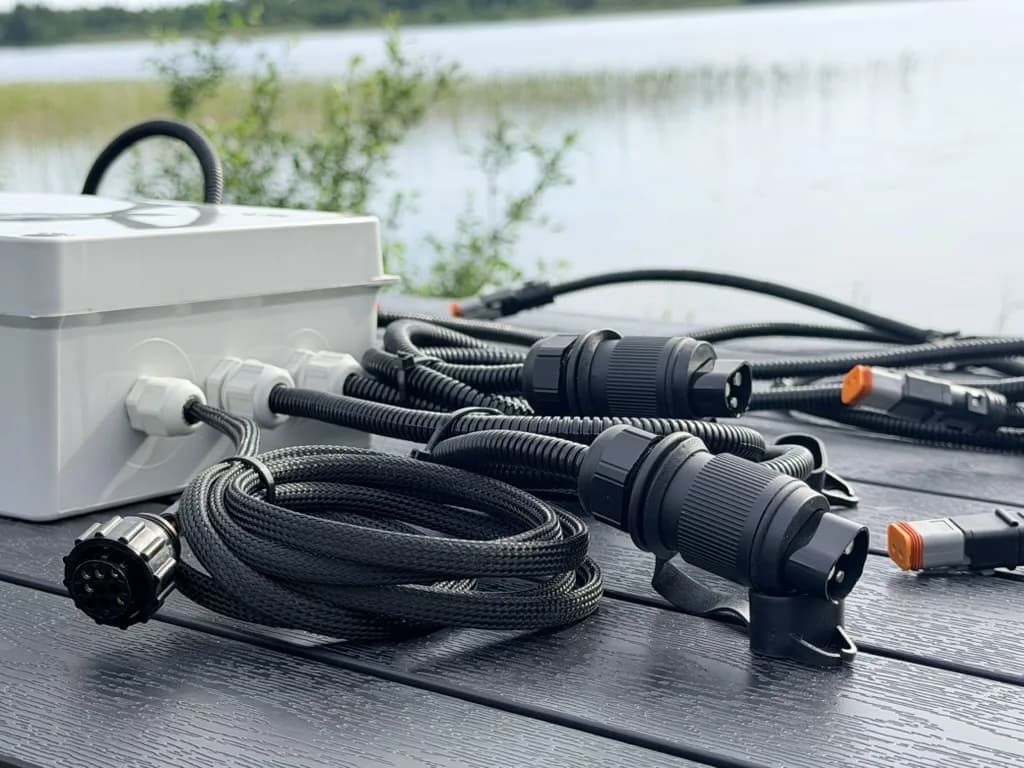
An ISOBUS gateway is a box that connects the tractor's ISOBUS network to something that does not speak ISOBUS: an existing machine controller, a set of wires to valves and sensors, or a cellular link. The same word covers all three, which is why product listings are hard to compare. Work out which type you are looking at, and whether you need one at all, before you buy.
What an ISOBUS gateway does
ISOBUS (ISO 11783) is the CAN-based standard that lets an implement show its controls on the tractor's screen, the Virtual Terminal (VT), and take commands from the tractor's joystick and armrest buttons through AUX-N. The ISOBUS glossary explains these terms in plain words. Everything on the ISOBUS network speaks that one protocol. A gateway sits on the edge of that network. On one side it is an ISOBUS participant. On the other side it talks to something outside: a different CAN protocol, physical inputs and outputs, or the internet. Its job is to carry commands and data across that edge.
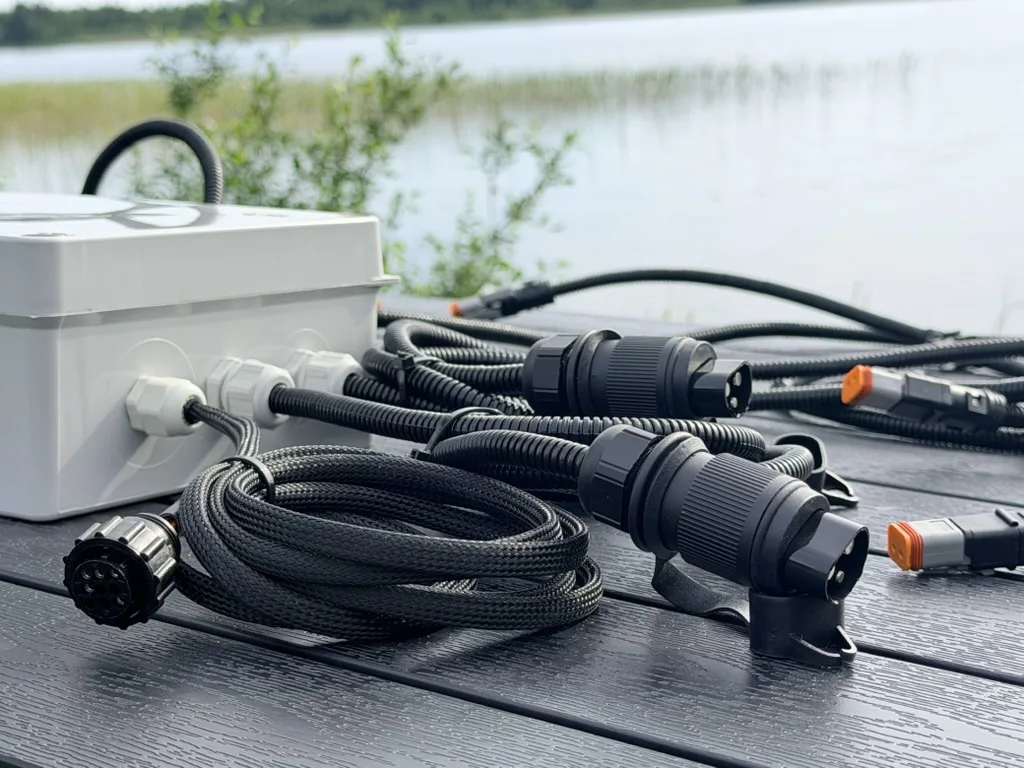
The three types of ISOBUS gateway
Protocol gateway
A protocol gateway translates between ISOBUS and another CAN protocol: J1939, CANopen, or a manufacturer's own CAN messages. You use one when the implement already has a working controller and you want it on the tractor screen without replacing it. The gateway holds the ISOBUS side (address claim, the VT screens, AUX-N functions) and passes values back and forth to the existing controller over a second CAN port.
That is why a protocol gateway has two CAN interfaces: one for ISOBUS, one for the machine controller.
I/O gateway
An I/O gateway has no second network. Its far side is wiring: inputs for sensors and switches, outputs for valves, lights and motors. It turns those into an ISOBUS node with its own object pool, the set of screens and buttons it sends to the tractor terminal. This way an implement with no electronics of its own gets buttons on the tractor screen.
Telematics gateway
A telematics gateway reads traffic off the bus and sends it off the machine, over cellular or WiFi, to a cloud service or a server. Engine data, fault codes, work hours, position. Many only listen. They record and upload, and they never appear on the tractor screen. This is the fleet-monitoring box, not a control device.
Who makes ISOBUS gateways
Several companies build ISOBUS gateways. ifm and b-plus both make protocol gateways that put an existing machine controller on the tractor screen. CSS Electronics makes CAN data loggers that record ISOBUS traffic for telematics. Variants, housings and firmware options change, so this post does not list them. Specifications and ordering details are on each vendor's own pages. Before you contact any of them, work out which of the three types you need.
When you actually need a gateway
A gateway earns its place in four situations:
- You have a machine controller that works, and it must talk ISOBUS. A protocol gateway puts it on the tractor screen without rewriting the controller from scratch.
- Something on the machine speaks J1939 or another CAN protocol, and its data has to reach an ISOBUS terminal.
- You want machine data off the tractor. Work hours, fault codes and position logged to a server. That is a telematics gateway and nothing else on this list does it.
- You need Task Controller data. Documentation, prescription rates or automatic section control need a Task Controller client. Some protocol and I/O gateways offer one. The section control post explains what that involves.
If none of these fits, look at the next section before you spend money on a gateway.
When a relay module does the job instead
A lot of people searching for an ISOBUS gateway want something simpler: switch the work lights, a diverter valve or a hydraulic function from the tractor screen and the joystick, instead of a switch box on a cable through the back window. They need on/off outputs that show up on the VT. A second CAN network or screens of their own would be more than the job asks for.
That is what ISOBUS Block is: a relay module that speaks ISOBUS. Plug it into the tractor's in-cab or rear external ISOBUS connector and it puts its buttons on the tractor screen. It also appears in the AUX-N assignment menu, so you can put channels on joystick and armrest buttons.
- 8 relay channels, CH1 to CH8, 10 A each, with NO, COM and NC terminals.
- Each button is set to TOG (toggle) or MOM (momentary) on the tractor screen, and one button can switch several channels at once.
- Button names and icons are edited on the tractor screen and carry over into the AUX-N menu.
- The module is powered through the ISOBUS connection. The relays switch your own 12 V or 24 V supply to the loads.
Compared with an I/O gateway, the trade is plain. You get relay contacts you can wire to almost any on/off load, and a finished operator interface. You do not get proportional or PWM outputs, sensor readings on the screen, or a Task Controller client. ISOBUS Block works with the VT and AUX-N only. There is no programming and no object pool to design: you wire the loads, name the buttons and drive. The ISOBUS retrofit guide walks through that route for an older implement. The comparison of ISOBUS Block alternatives sets it against a cab switch box and a DIY relay box.
For manufacturers: gateway or an implement ECU with its own software
If you build implements, a gateway is the path that keeps your existing controller. The control logic stays where it is. The gateway adds the ISOBUS side, and someone still has to design the object pool, map every value between the two protocols and test the result on the terminals your dealers meet. You end up maintaining two boxes and the link between them.
The other path is one implement ECU that runs your machine and speaks ISOBUS natively: sensors, valves, screens, AUX-N and Task Controller in one unit and one software project. The ISOBUS ECU for implements post explains what that ECU does and what to specify before you start. ETERVO Oy, the company behind ISOBUS Block, develops that software for implement manufacturers on a sealed control unit. See the OEM page.
How a gateway sits on the bus
Every gateway type connects the same way. It joins the ISOBUS network through the standard 9-pin connector, in-cab or on the rear external socket, or through the implement's own bus harness. The ISOBUS connector pinout guide has the pin assignments for both tractor sockets.
The bus runs at 250 kbit/s, with a 120 ohm terminator at each physical end. A gateway does not change that. On power-up, a gateway that takes part in the bus claims its own source address, as every ISOBUS node does. If it shows screens on the tractor terminal, it uploads its object pool to the VT, and the terminal draws it. A pure logger skips both steps and only listens.
Because every node claims its own address, a gateway shares the bus with the tractor, the terminal, the implement and a relay module like ISOBUS Block without knocking any of them off.
Frequently asked questions
What is an ISOBUS gateway?
An ISOBUS gateway connects the tractor's ISOBUS network to something that does not speak ISOBUS. That can be another CAN protocol such as J1939, physical inputs and outputs on an older implement, or a cellular link for telematics.
ISOBUS vs CAN bus: what is the difference?
CAN bus is the wiring and message format underneath. ISOBUS (ISO 11783) is a standard built on top of CAN, derived from J1939, that runs at 250 kbit/s and defines how tractors, terminals and implements talk: address claim, the Virtual Terminal, AUX-N, Task Controller. Every ISOBUS network is a CAN bus. Most CAN buses are not ISOBUS. More in ISOBUS vs CAN bus vs J1939.
Do I need a gateway to use ISOBUS Block?
No. ISOBUS Block plugs straight into the tractor's in-cab or rear external ISOBUS connector and shows up on the Virtual Terminal. Nothing sits in between. If a gateway is already on the tractor for other reasons, both share the bus.
Can a gateway make a non-ISOBUS implement ISOBUS?
Yes. An I/O gateway wires into the implement's valves and sensors and gives it screens on the tractor terminal. A protocol gateway does the same for an implement that already has its own CAN controller. If the implement only needs outputs switched on and off, a relay module that speaks ISOBUS does that job without programming. The ISOBUS vs non-ISOBUS implements post covers the options.
What is an ISOBUS adapter?
The term is used loosely. Most often it means an adapter cable between two ISOBUS connector types, or a lead that brings the tractor's ISOBUS socket to where a device is mounted. Some sellers also use it for a gateway. Check whether the listing is a cable, which only carries wires, or an electronic unit, which adds a node to the bus.
Need to switch work lights, solenoid valves or a diverter valve from the tractor screen and joystick, without a gateway in between? ISOBUS Block gives you 8 relay outputs you wire up and control yourself.