News
Wiring guides, use cases, and technical posts for ISOBUS Block users.
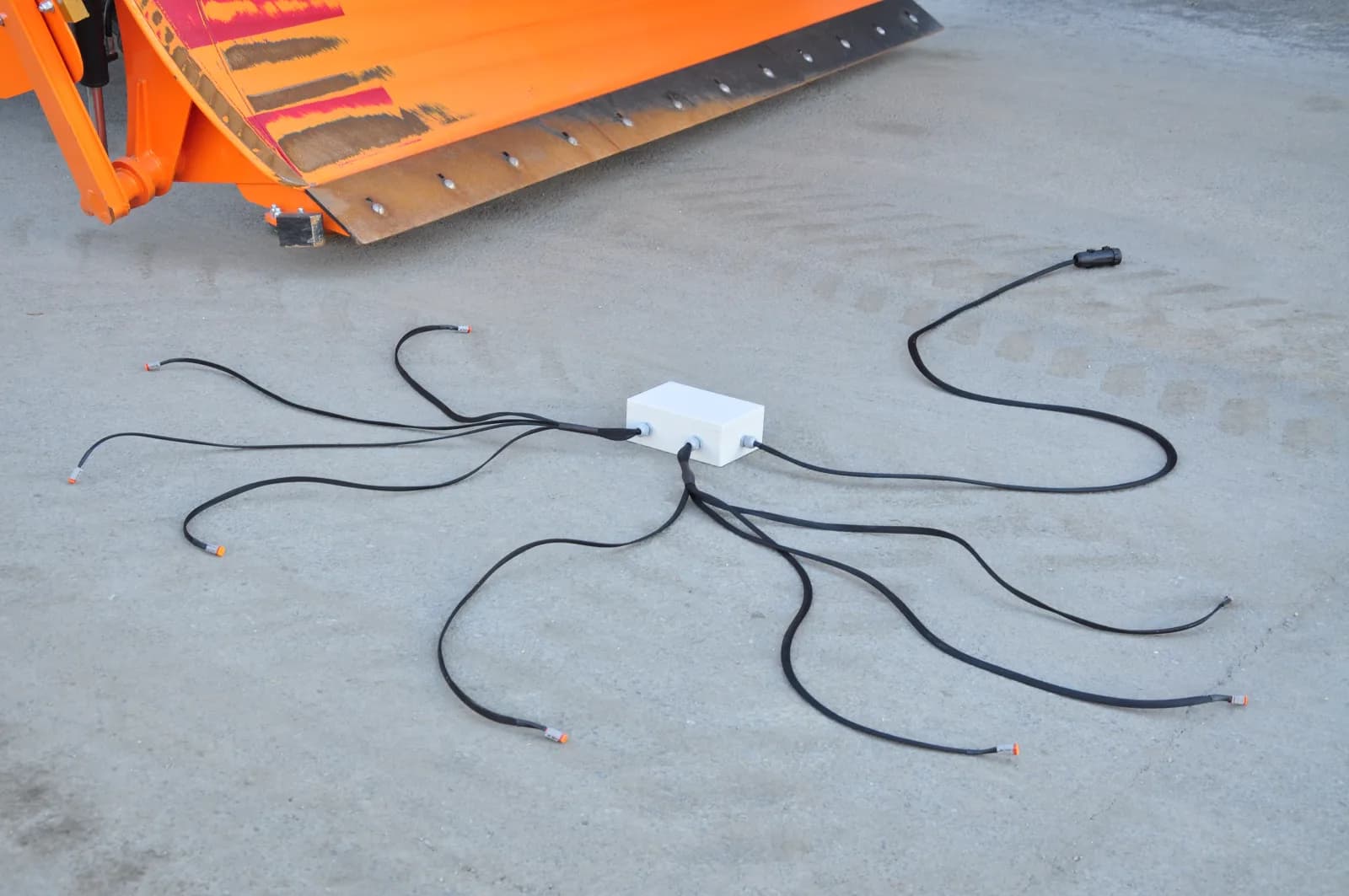
Control Any 12V/24V Device from Your ISOBUS Terminal
Switch solenoid valves, work lights, and beacons from your tractor ISOBUS screen. Step-by-step retrofit guide using a relay module and AUX-N buttons.
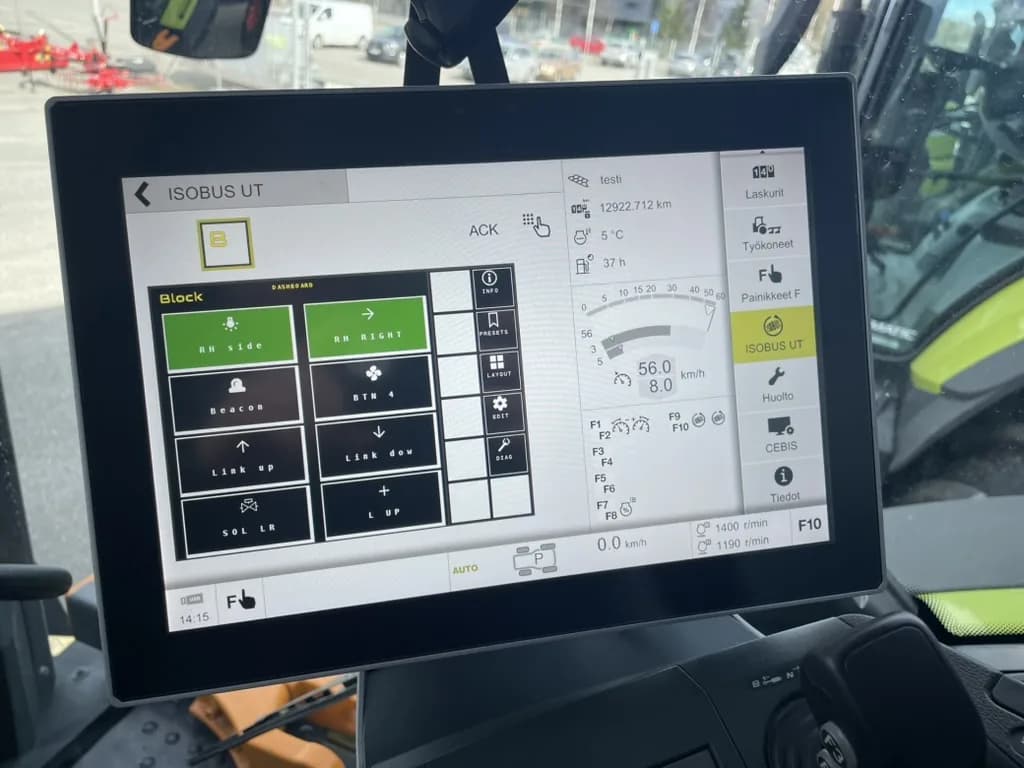
ISOBUS Fault Codes: Common DTCs Explained
Read and interpret ISOBUS diagnostic trouble codes (DTCs) on agricultural equipment. What each code means, how to clear it, and what to fix next.
ISOBUS Virtual Terminal Explained: VT, UT & Object Pools
How the ISOBUS Virtual Terminal works: VT vs UT, object pool upload, mask sizes, soft keys, and how operators control implements from the tractor screen.
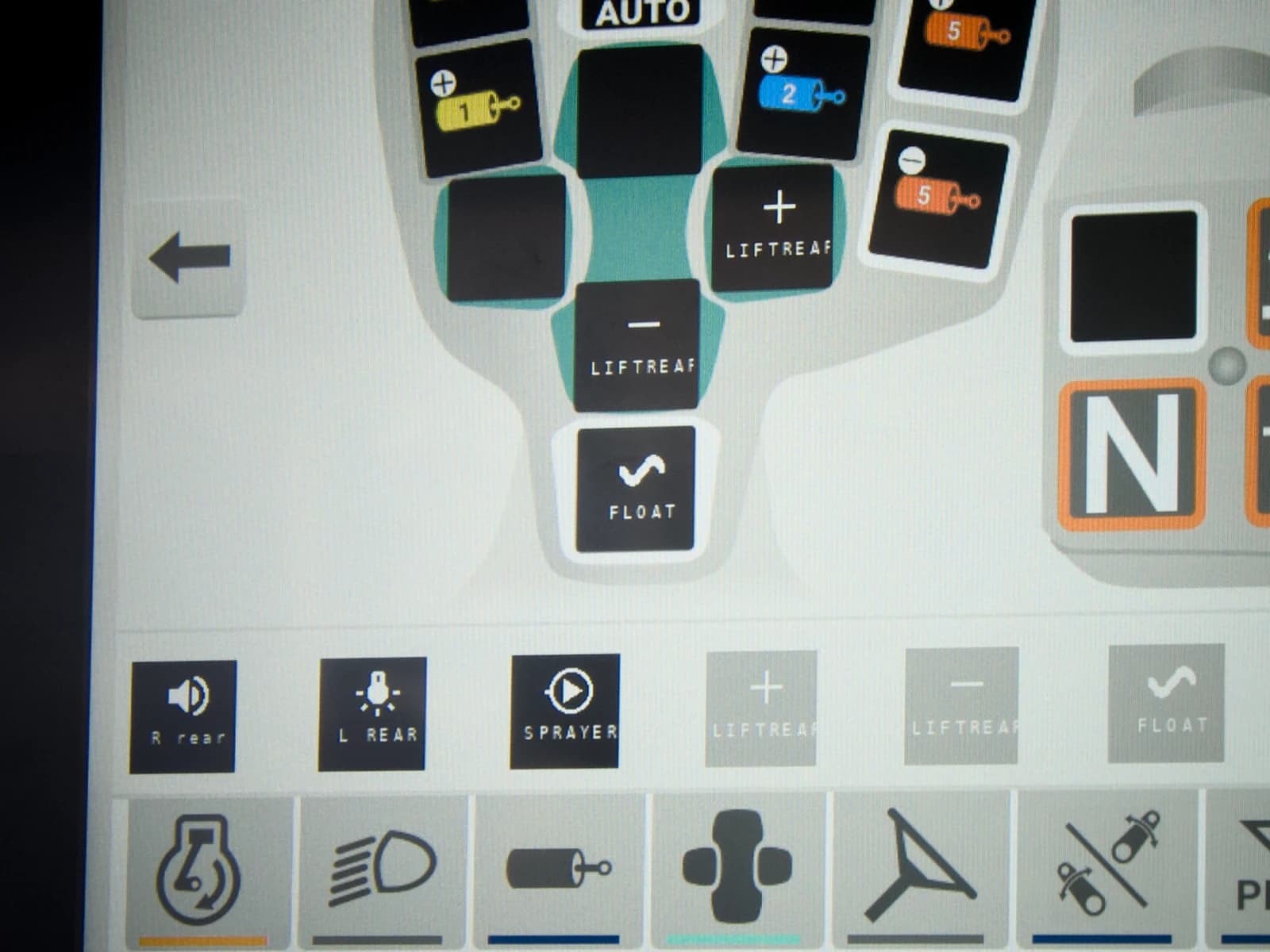
ISOBUS AUX-N Complete Guide: Joystick and Button Assignment
Everything about ISOBUS AUX-N function assignment. How to map joystick buttons, armrest switches, and create preferred assignments for implement control.
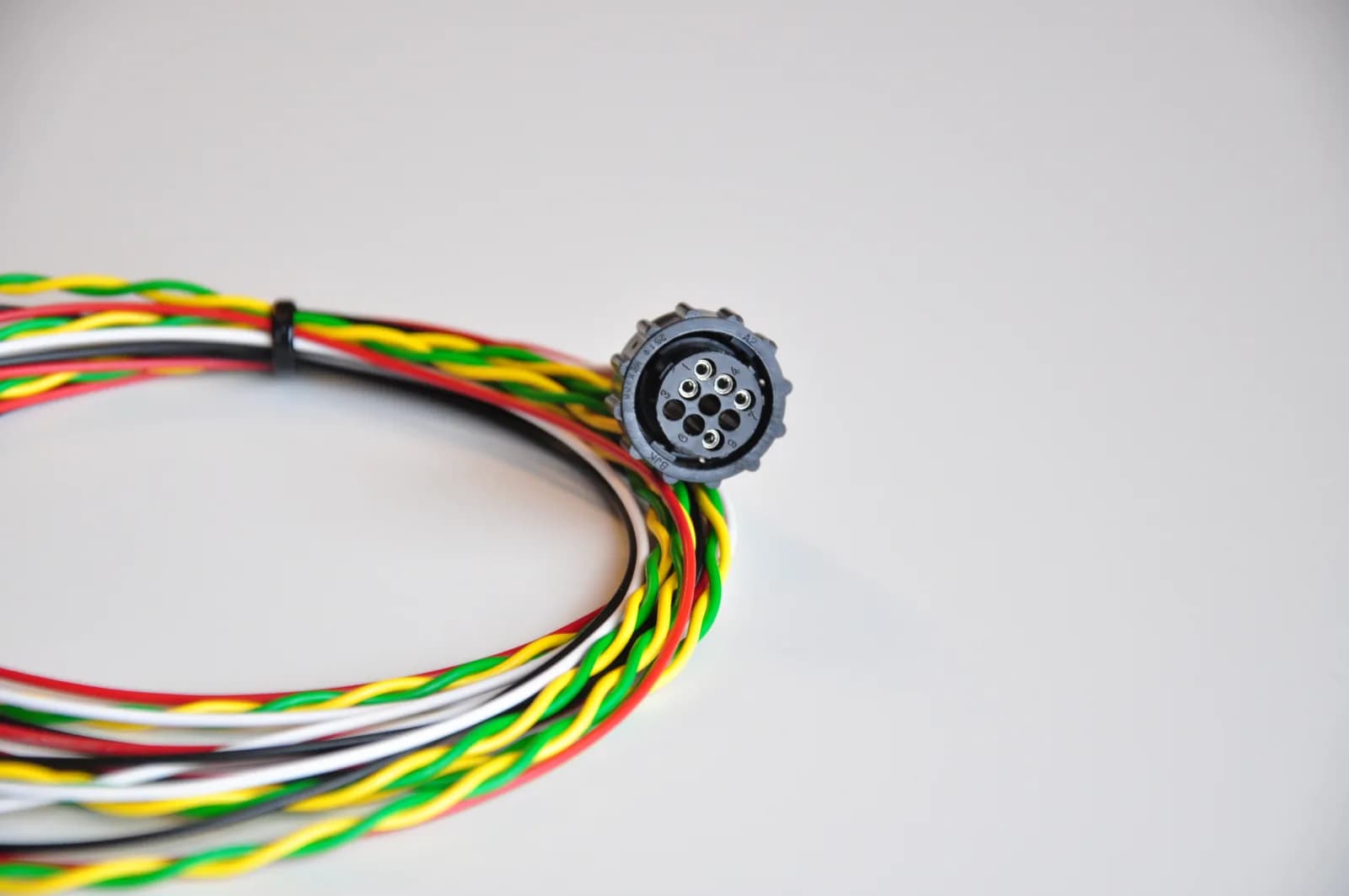
ISOBUS In-Cab Connector Pinout: Quick Reference
Quick pinout reference for the 9-pin ISOBUS in-cab connector with both CAN buses. For the full pinout guide covering rear and in-cab, see the canonical.
ISOBUS Implement Control: VT & AUX-N Setup Guide
Switch valves, work lights and motors on an implement from the tractor screen and joystick you already have. How ISOBUS implement control is set up.
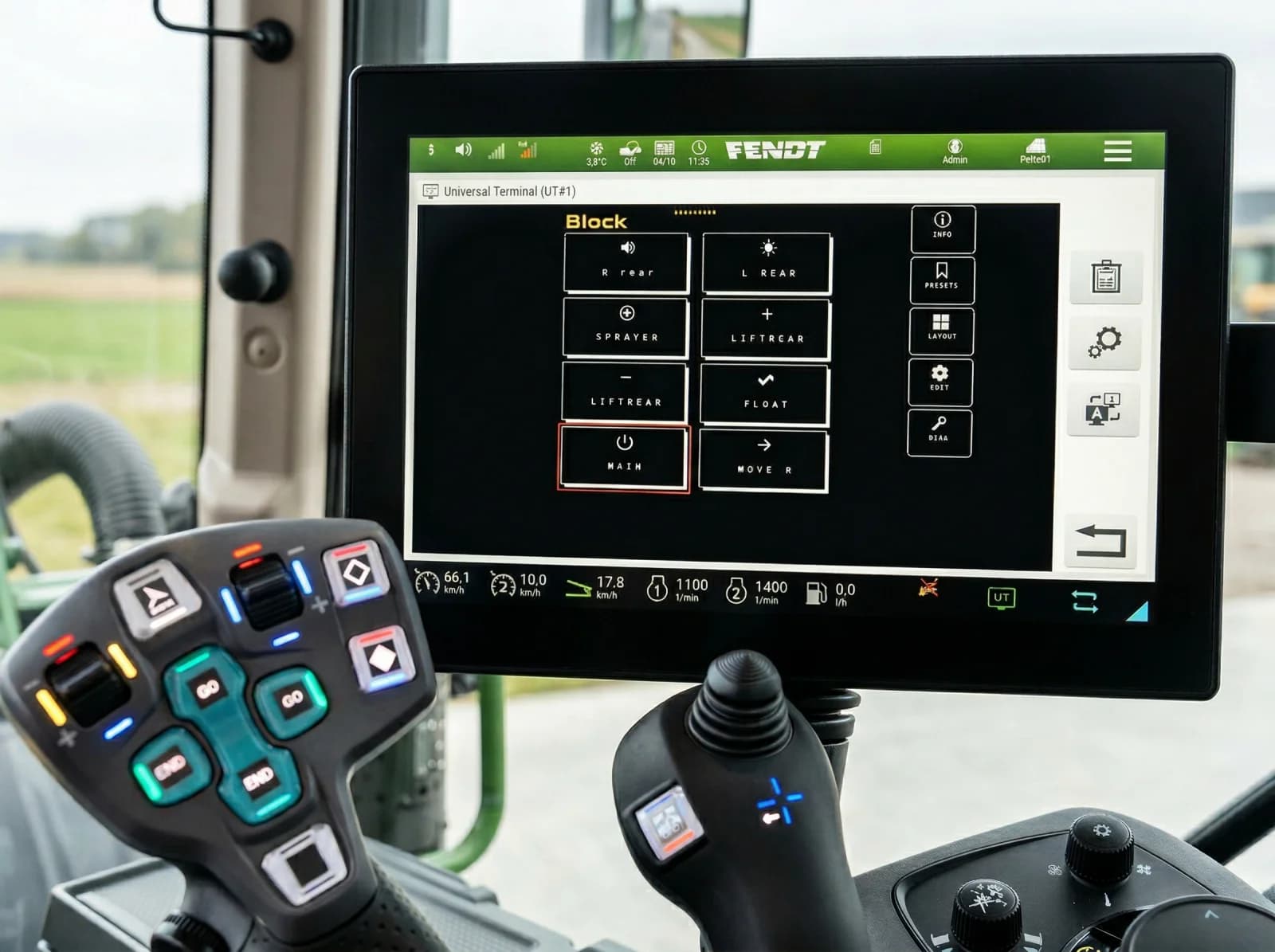
Replace an Implement Joystick with ISOBUS AUX-N
Pull an implement's own joystick out of the cab and run its solenoids and pump from the tractor's armrest buttons over ISOBUS AUX-N. Here's how.
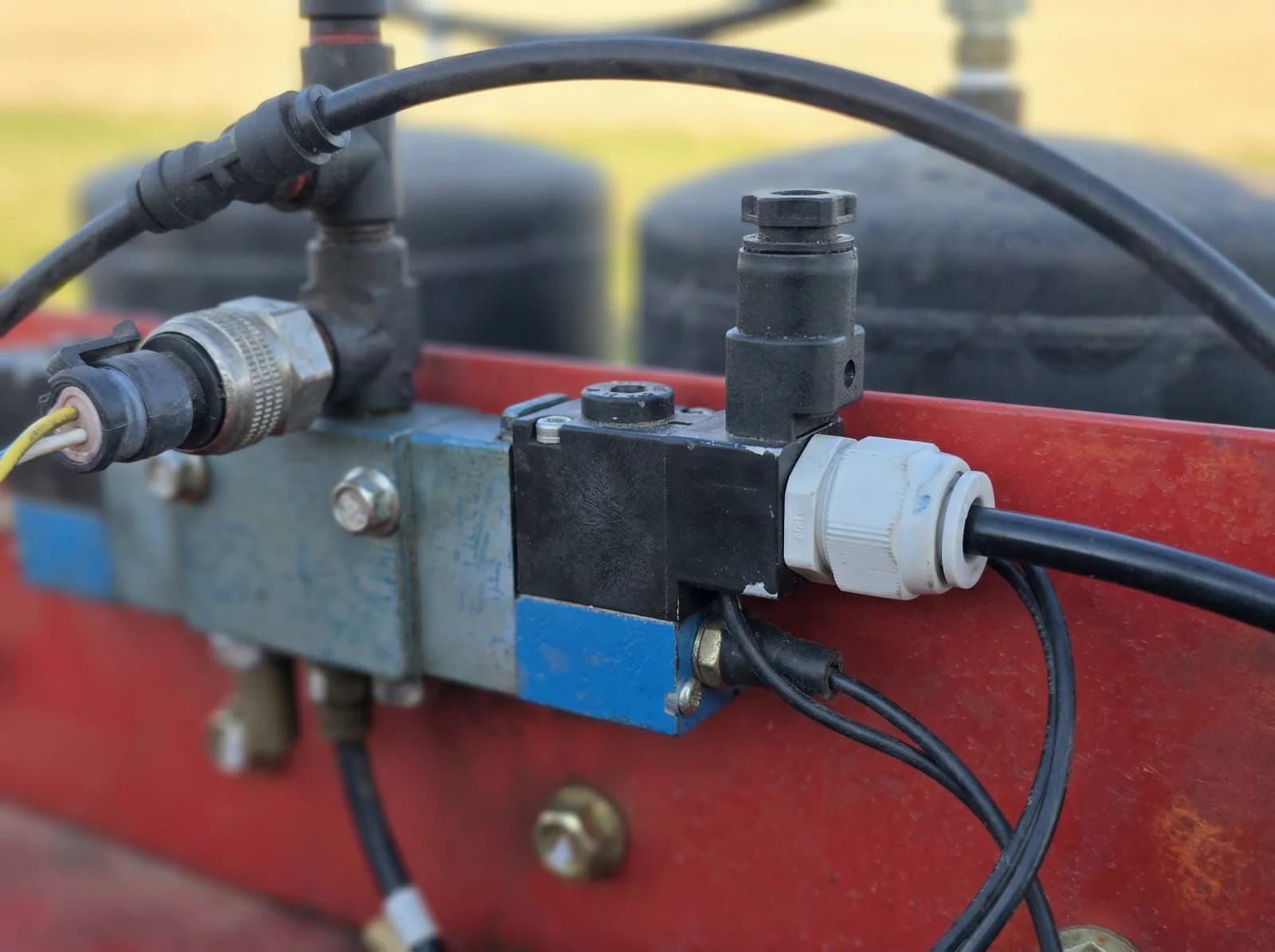
Trailer Hydraulics on the ISOBUS Terminal & Armrest
Put the ISOBUS Block on the trailer itself: relay outputs on the trailer's solenoids, one cable to the tractor's rear ISOBUS socket, controlled from the tractor screen and AUX-N. One module per traile...
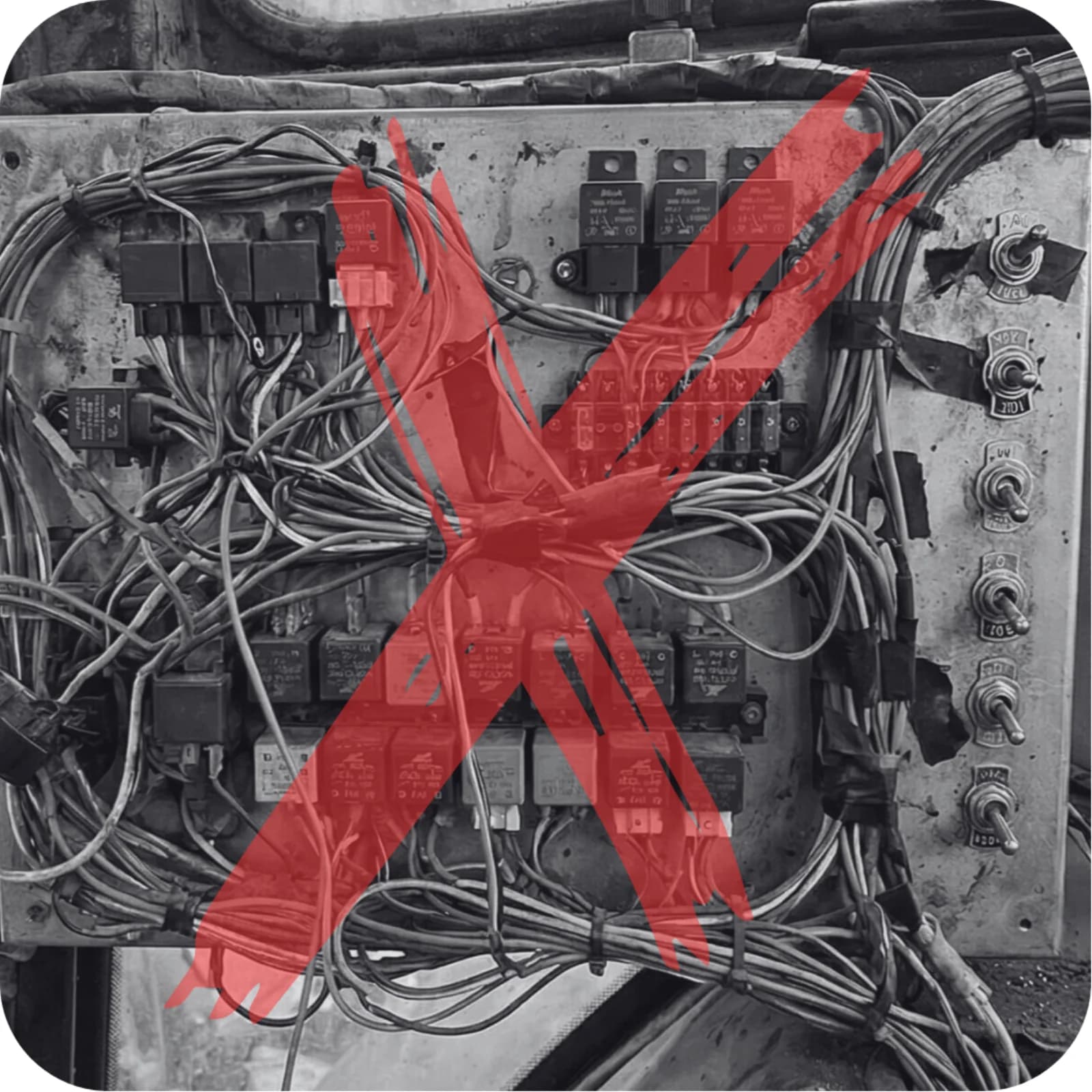
Replace a Sprayer's Boom Switch Box with ISOBUS AUX-N
Run a sprayer's boom movements (fold, lift, tilt) from AUX-N armrest buttons while spraying stays on the sprayer's own ISOBUS rate controller.
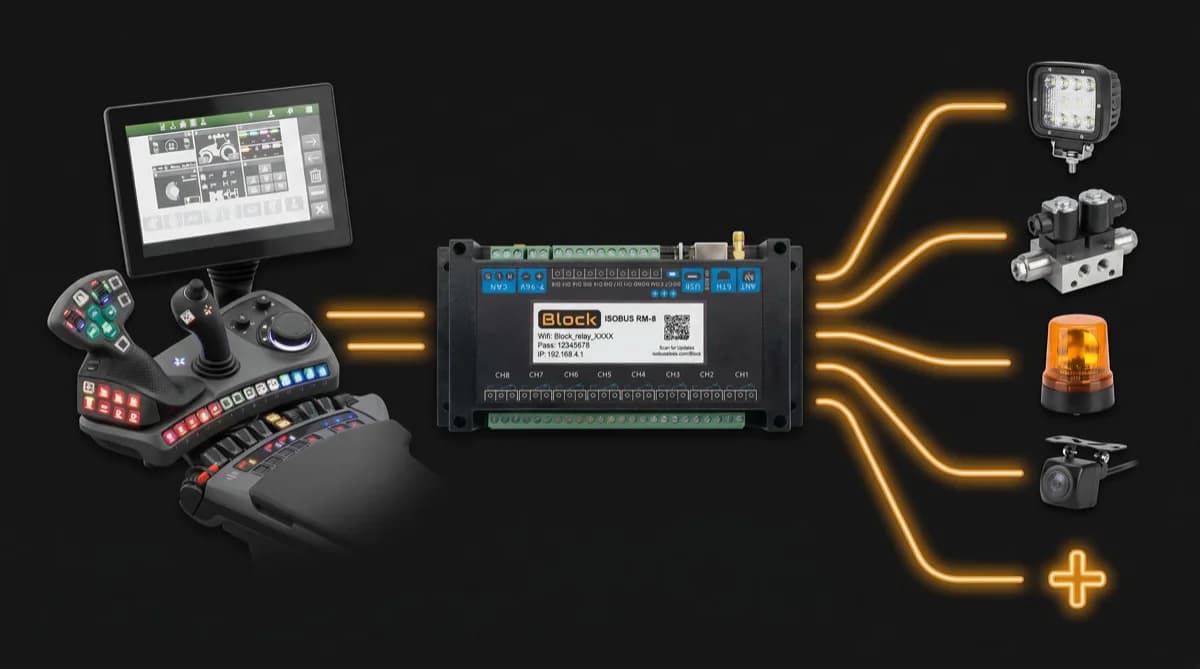
Trigger Autoguidance & Hectare Counting from an AUX-N Button
Use an AUX-N button to engage autoguidance or start a hectare counter when the function is triggered by a switched +12V line. Plus where it does not fit.